Live workspaces
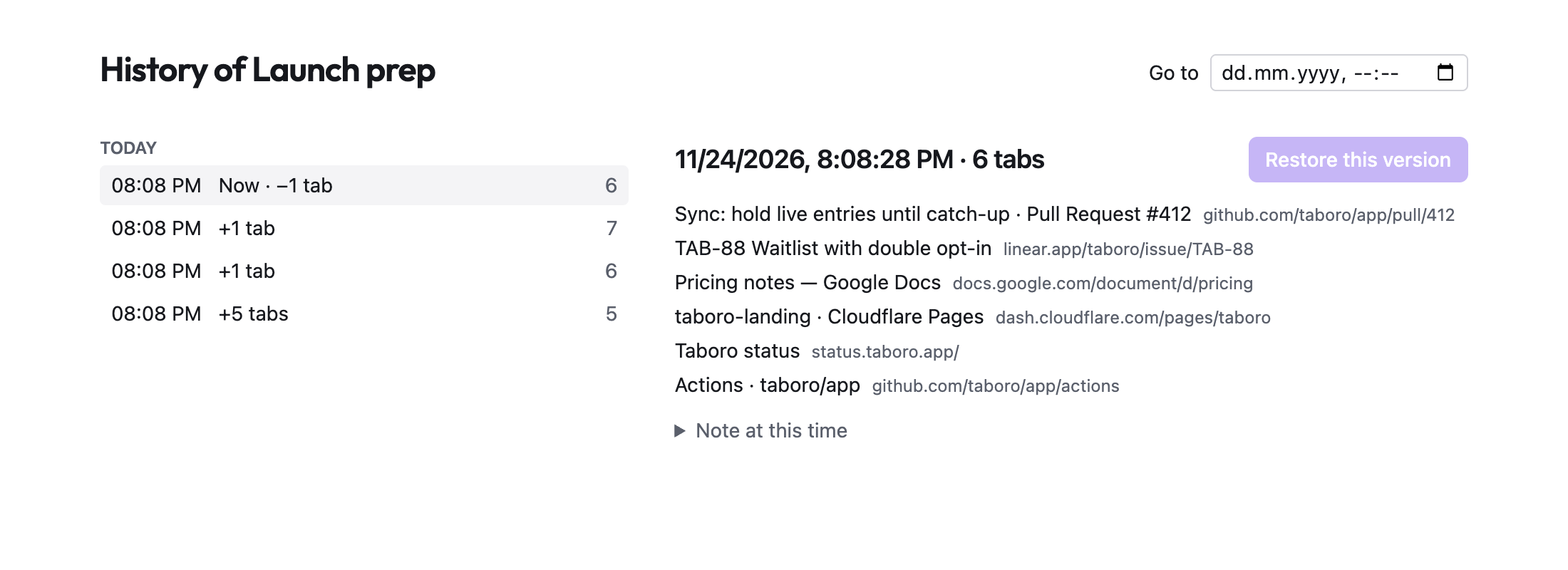
Every tab, group and window is saved as you work. Close a window without thinking — the workspace is still there, and checkpoints keep older versions.

Private beta · Chrome and Firefox
Taboro turns each browser window into a named workspace — saved as you go, back in a keystroke, searchable, and synced between your devices with end-to-end encryption.
One email when the beta opens. No tracking, no newsletter.
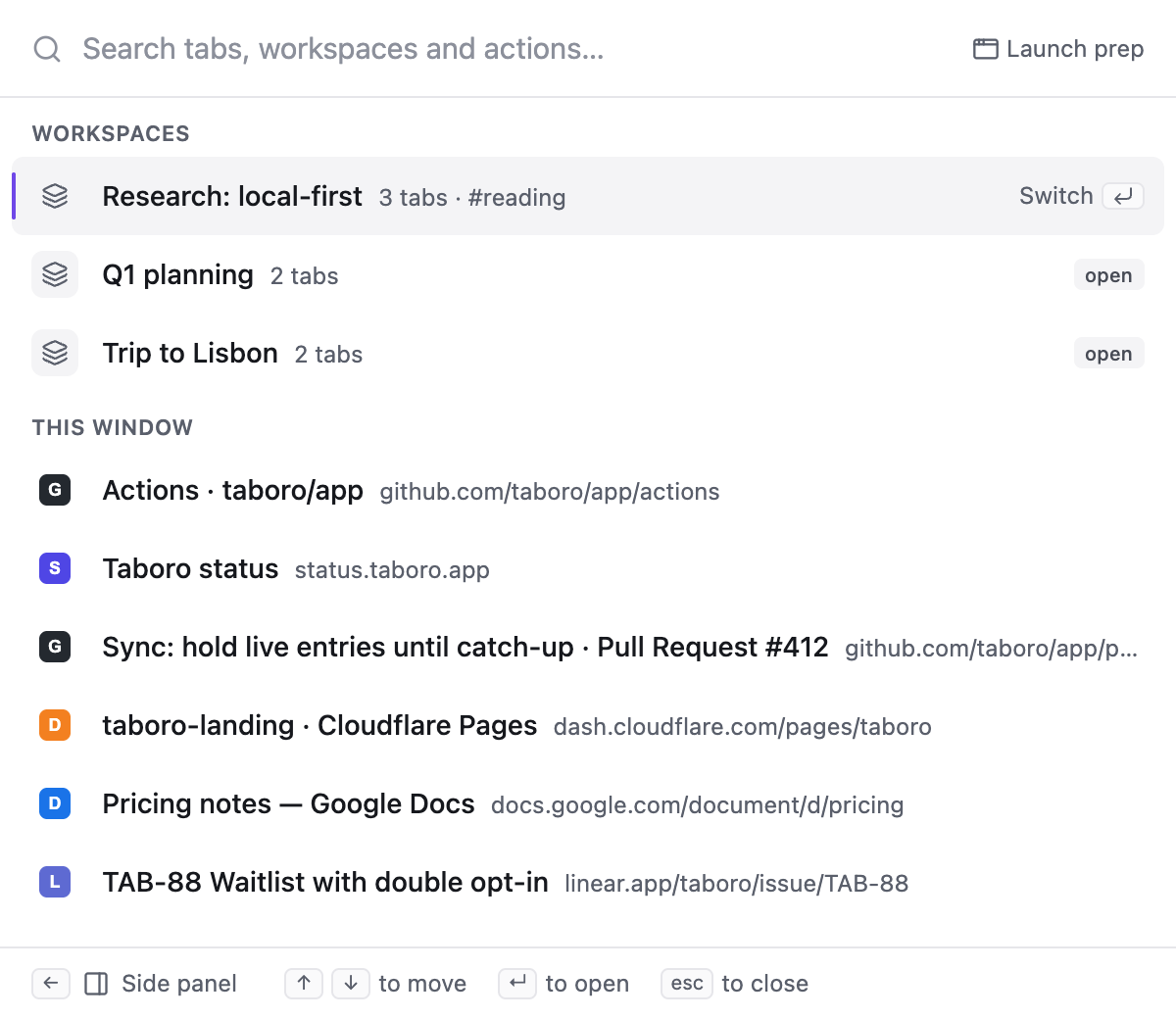
Every tab, group and window is saved as you work. Close a window without thinking — the workspace is still there, and checkpoints keep older versions.
⌘⇧K opens the palette: jump to a workspace, a tab or a pinned link. A 100-tab workspace opens in well under a second — tabs load only when you look at them.
Find a page by what was on it, not just its title. Full-text and semantic search run on your device; page text never leaves it.
With Pro, workspaces sync between up to five devices, encrypted on your device first. Join another device with a passkey or your 24-word recovery code.
Claude and other MCP agents on your computer can find and read your workspaces. They change something only after you confirm it.
Pinned pull requests and issues from GitHub, Linear, Jira and Notion show their state. Linked meetings offer the right workspace two minutes before they start.
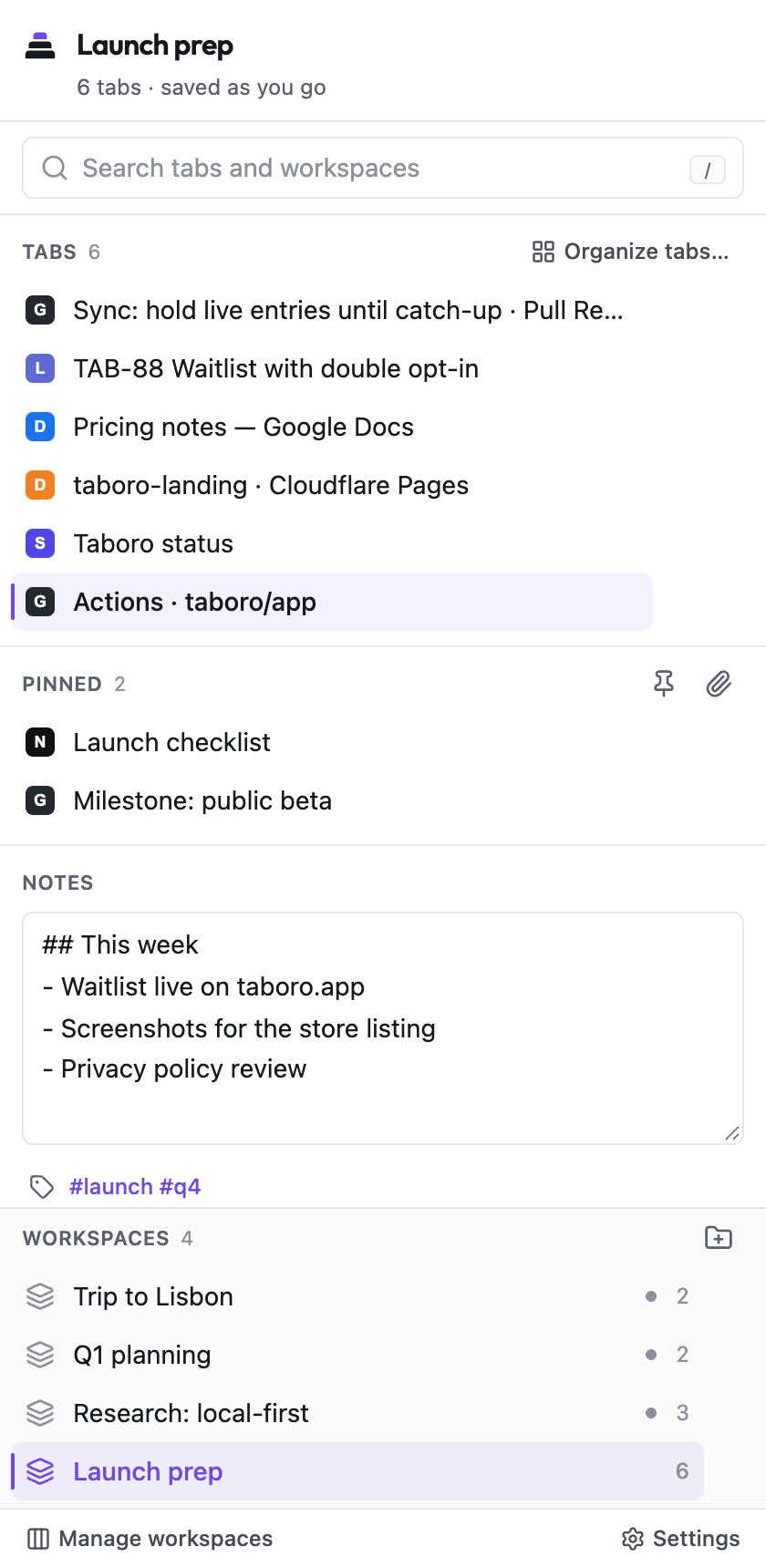
Taboro is local-first: Free works on your device without an account. Sync comes with Pro, and what syncs is encrypted with keys that only your devices hold.
Pro starts with a 14-day free trial, no card needed. Cancel any time; your workspaces stay on your devices. Prices include VAT in the EU; in the US, sales tax is added at checkout.
€0
€48 / year
€4 a month, billed yearly · or €5 monthly
€8 / member / month
Later in 2027.
Chrome, Edge, Brave and other Chromium browsers, and Firefox 140 or later. Safari is planned once the beta settles.
That is the one thing it’s built not to do. It checks itself against the browser’s real tabs, saves checkpoints before big changes, and never deletes history on its own.
No. Without sync, nothing leaves your device. With sync, the server stores encrypted data it cannot read. There is no tracking and no usage statistics.
Sign in on a new device with your passkey, or type your 24-word recovery code. Without either, nobody — including us — can decrypt your data.
Yes: OneTab, Toby, Session Buddy, Workona, browser bookmarks or JSON. And you can export everything back out at any time.
Nothing is lost on your devices. Sync keeps working for 14 more days, then stops, and share links stop opening. The encrypted copy on our server is kept for 90 days — renew in that time and everything picks up where it was — then it is deleted. We email you before each step.
We’ll email you once, when your invite is ready.